Nearly two months ago I found myself hacking together a little Windows timer app with an AI assistant. It was inspired by Bongo Cat – a cute character whose outfit changes while a clock ticks away – and it carried lots of small, subtle touches that delighted me. But that weekend of coding took everything I had. I was adamant that this would be something the machine and I built together, not just an AI‑generated programme. By the end I was exhausted and the idea of improving the app sent a chill down my spine.
A few weeks on, the pain has faded and the fond memories remain. For my second round of tinkering I decided to add something genuinely useful: a tool to turn Garmin’s raw FIT files into workout telemetry I could actually read. Once I have a readable summary I can feed it back into ChatGPT and ask for tailored training advice.
Working with raw Garmin files
If you’ve ever downloaded a FIT file from Garmin, you’ll know they aren’t meant for human eyes. I tried to open one with AI helping me and immediately hit a wall. Even defining the telemetry structure for a summary felt like a step in the right direction, I wouldn’t have to repeat a long prompt every time I uploaded a new workout, nor manually take screenshots from Garmin Connect. I could just drop the raw file into my app and voilà – out pops a summary of the session with key metrics, including heart‑rate and GPS data every second or so.
That sounded powerful, but getting there wasn’t as simple as it first appeared. The app had to unzip the file and then parse the raw data. Each workout type comes with its own dataset, and the summary statistics for an outdoor run aren’t the same as those for a pool swim. Indoor treadmill runs add another wrinkle: you calibrate the distance after you finish, which changes how the data should be interpreted compared with an outdoor run. This affects how heart rate zones are calculated, and more.
Along the way I discovered quirks such as the way Garmin calculates stride length. The raw data appears to use a different formula from the one shown on Garmin Connect; in my case I had to divide the raw stride values by two to match what the dashboard reports. I’m still not certain why this is so – it could be a bug or a difference in how cadence and stride are expressed – so treat this as an observation rather than gospel.
The deeper I dug into the data, the more it became an obsession. Eventually the AI suggested we pause and refactor the code. I must have been following instructions well because it stopped holding my hand so tightly and began to offer general guidance instead of step‑by‑step directions. Refactoring turned out to be fun and left the app a little more future‑proof. Hurrah!
Adding image conversion
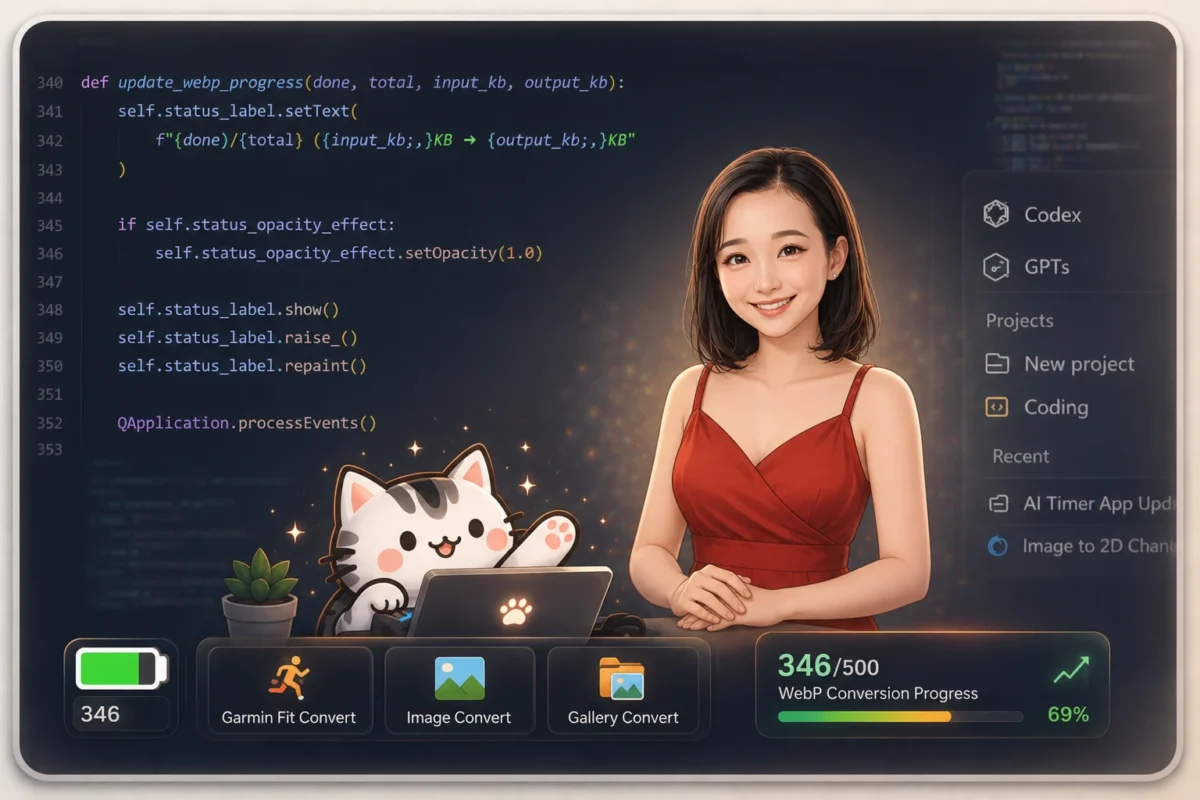
With the telemetry tool working, I decided to add another feature: image conversion. I wanted a quick way to shrink large PNG files for the web. AI showed me how to convert PNGs to the more efficient WebP format, compressing a 2 MB picture down to less than 200 KB. Asking the AI every time seemed wasteful, though; with an integrated tool I could batch‑convert images without writing a prompt or burning bandwidth.
Converting a single file was easy. Things got complicated when I thought, “why not convert a whole folder at once?” Depending on the number of files, conversion can take time, the UI might freeze, and it helps to have a progress indicator. As complexity crept back in, the AI switched back to hand‑holding mode and guided me through the tough parts. At one point it even stopped me from chasing perfection – advice I didn’t realise I needed but appreciated all the same.
Reflections
This latest session was incredibly rewarding. I gained two tools that support my hobbies: one for decoding workout data and another for optimising images. I picked up a bit more Python along the way and, more importantly, learned how to collaborate with AI in a way that still feels like my own work. The experience reminded me that these devices and algorithms are tools meant to help us; sometimes they disagree with each other, and that’s okay. The key is to use them to inform, not dictate, our choices.